[db:小提示]
Alex on RAW-100+ Creative Inspiration Portrait Capture One Preset Creative Styles Capture One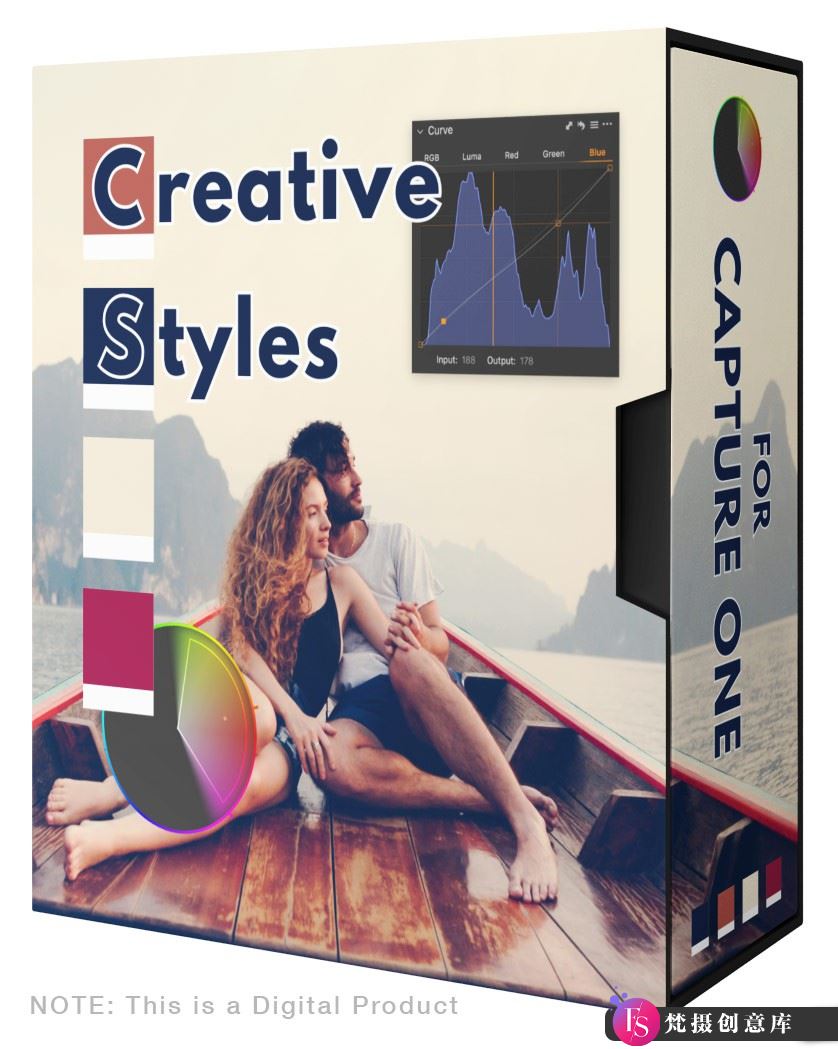
Alex on Raw-100+ Creative Inspiration Portrait Capture One Preset Creative Styles Capture One
Capture One’s Creative Styles
50 different styles and 50 brush strokes for Capture One, igniting creative inspiration.
No more wasting time searching for the right color grading!
Perfect for portraits. The creative styles are carefully crafted with portrait photography in mind, but they work well with various genres including weddings, street, and travel photography.
Layered versions of all styles. The creative styles store all adjustments in layers, allowing you to individually control colors and contrast.
Includes style brushes. Each creative style comes with a brush version that makes it easy to paint through style adjustments.
Freedom to edit. The creative styles only use three basic tools: curves, advanced color editor, and color balance. This allows you the freedom to further edit using any other tools available in “Capture One”.
Regular styles require Capture One 21 or newer versions. Layered styles require Capture One Pro23.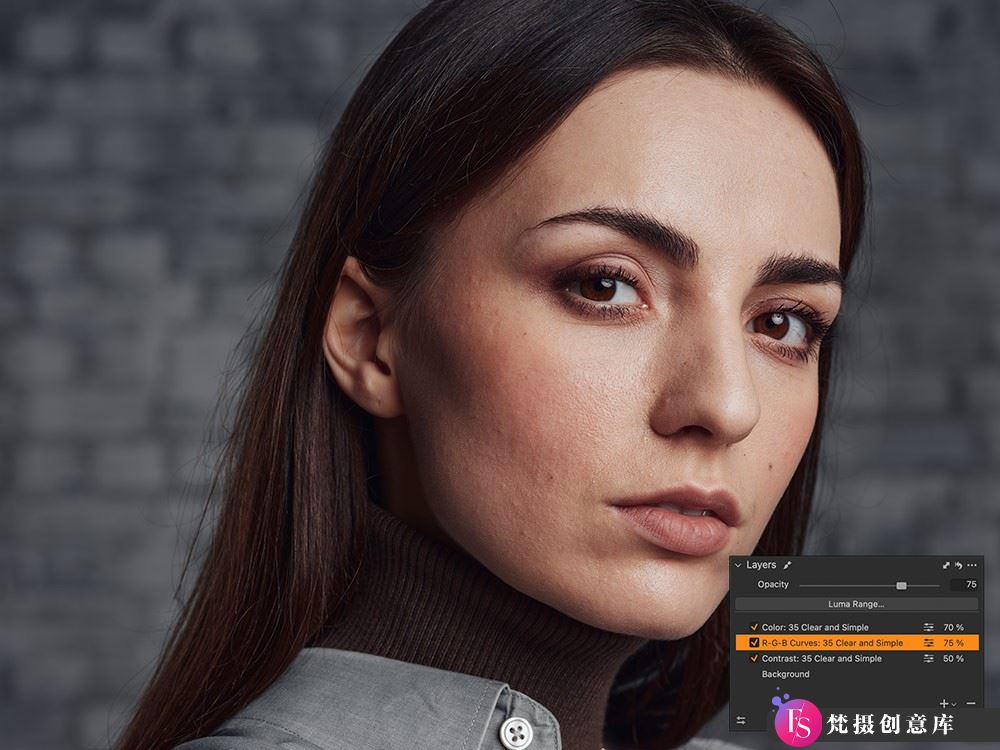
Ideal for portrait painting
Even small adjustments can have a huge impact on skin tones when it comes to editing portraits.
That’s why Creative Styles offer a variety of color grading solutions that have been rigorously tested and proven effective on hundreds of portraits.
50 Color Styles
Includes 50 brush strokes
All color styles support layers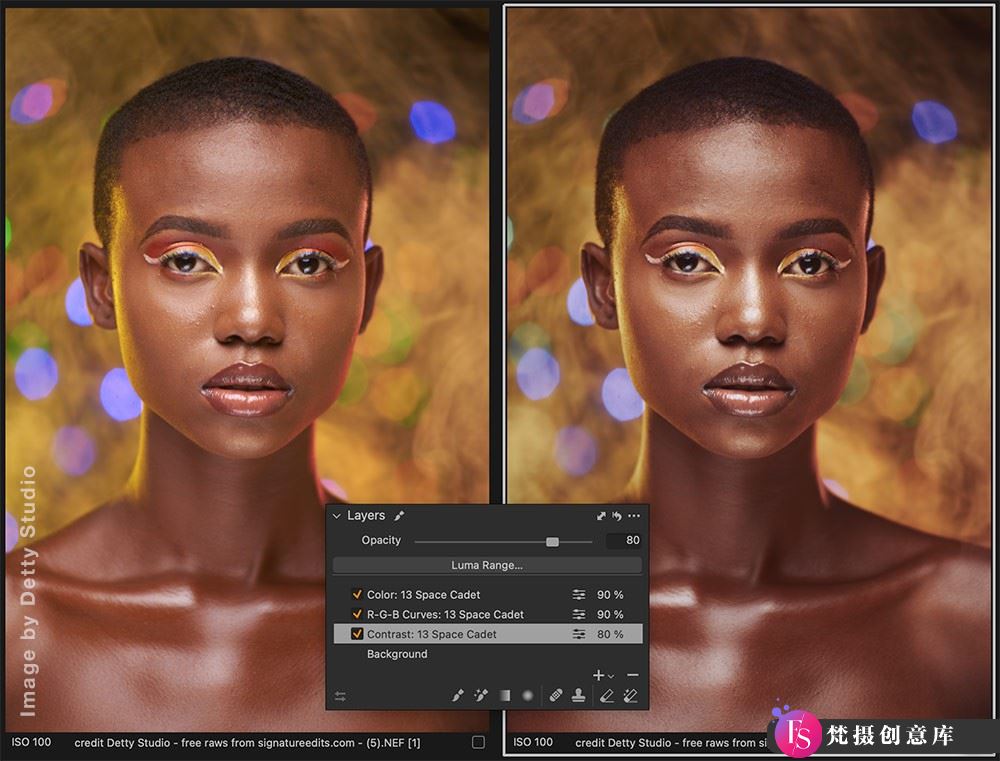
Portrait Style Settings →Creative Style
We have renamed portrait style as creative style.
The reason is that the creative style can handle images of various styles well, while the previous name was too limiting.
Recognized by hundreds of “Capture One” photographers worldwide
Now available in layered versions for all styles
Layered Styles
The creative styles store all adjustments in layers, making it easier to modify the style according to your image.
In addition, all styles in the creative style set support layers. Using styles in layers gives you a great advantage during editing.
Firstly, you have full control over the opacity of the style.
You can easily reduce the effect of a style by applying it to a new filled layer and changing its opacity.
Secondly, you can apply styles locally: simply draw a mask, right-click on a specific style and choose “Apply to Selected Layer”.
All Styles Support Layers
Curve adjustments in layers
R-G-B curve adjustments in layers
Color correction in layers
100 layered styles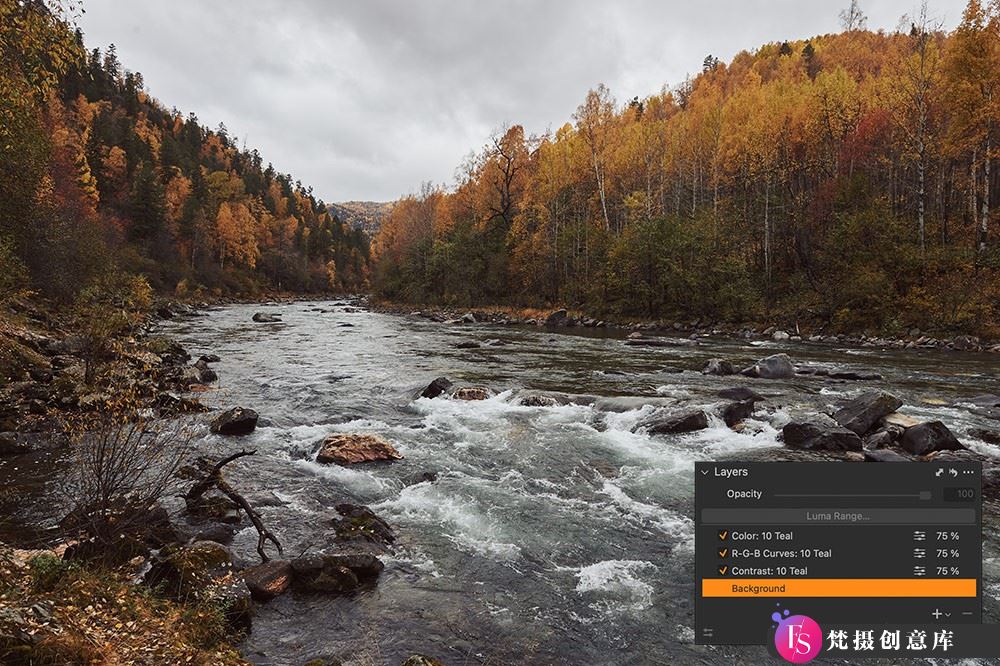
Freedom to Edit
The creative styles only use three basic tools: curves, advanced color editor, and color balance.
When applying a style, you have the freedom to edit your image using contrast, clarity,
HDR,
white balance,
levels,
and any other tools available.
Curve Adjustments
R-G-B Curves
Advanced Color Editor
Color Balance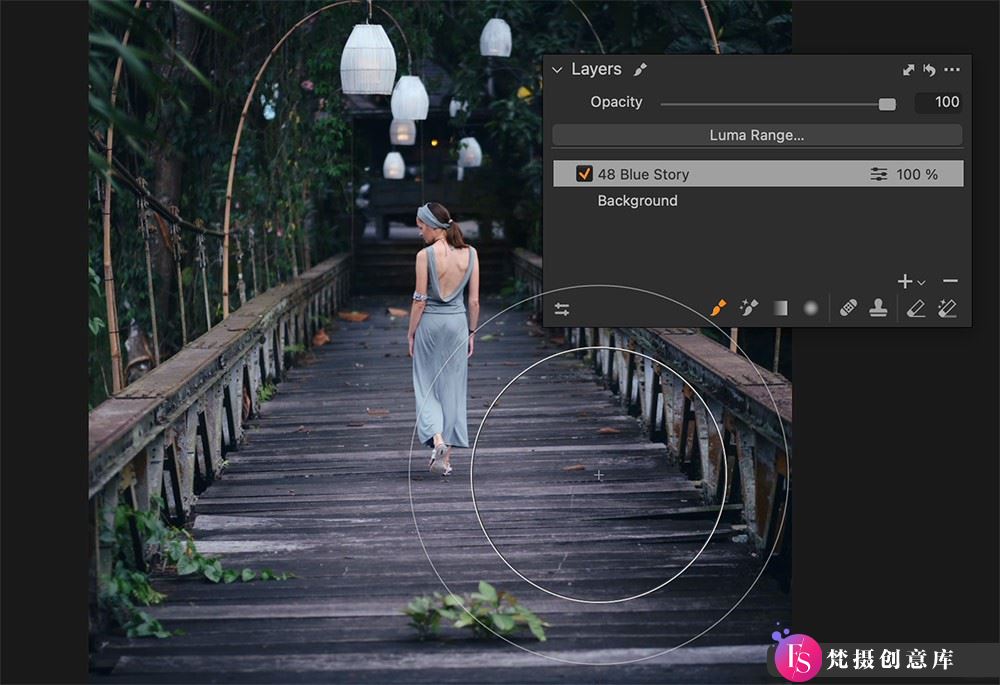
Includes Style Brushes
Each creative style comes with a brush version that makes it easy to paint through style adjustments.
50 Brush Strokes
